
In order to create an account to receive email notifications for Chesterfield Township click on the Sign Up menu button on the side and follow the instructions listed below.
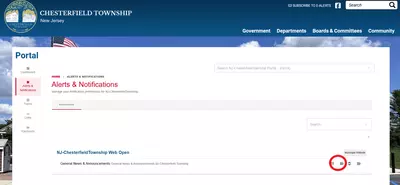
Toggle on one of the notification categories that you would like to get alerts for by clicking the button next to the mail icon.
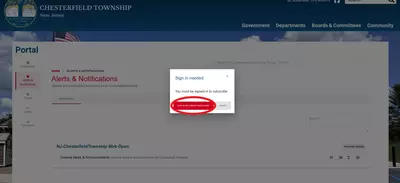
A popup will appear that will ask you to sign in or create an account. Click on the button.
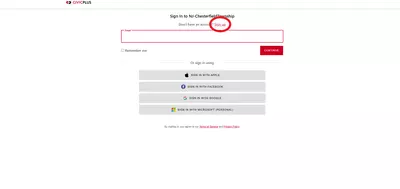
Click the link called "Sign Up"
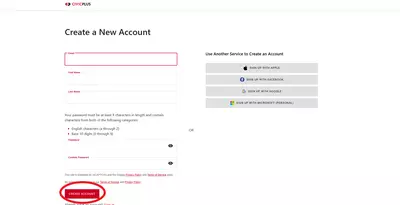
Fill out the information and click "Create Account" at the bottom of the page
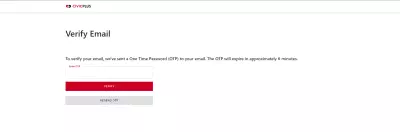
After creating the account you will be sent a one time password to your email. Enter in that password and select Verify.
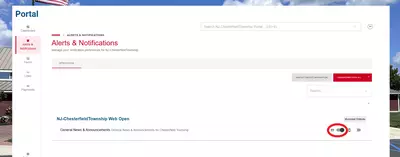
Once the one time password has been verified you will be able to go back to the notification management page and toggle on which lists you want to receive email notifications for.